Mesh Wi-Fi for a larger home
The number of access points a large home needs depends on its layout, building materials, floors and the rooms you actually use. Many medium homes need two or three and larger homes three or four, but square footage alone cannot tell you the right count or placement.
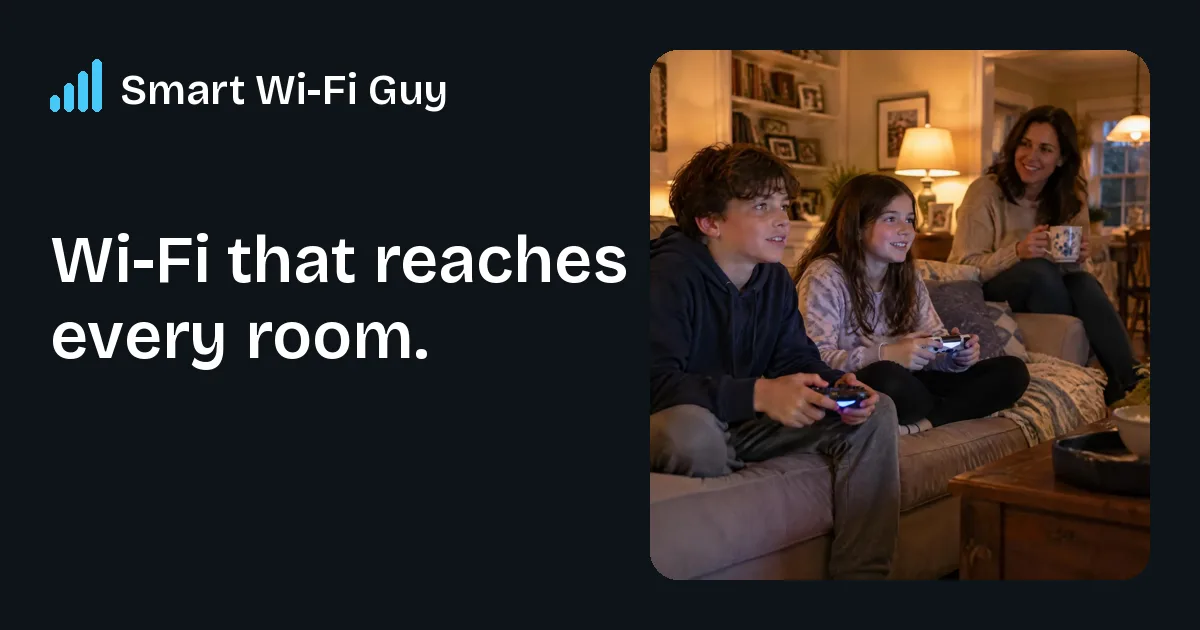
Start with the rooms you use
Draw a simple list of the places where the connection must work: living areas, bedrooms, offices and any outdoor spaces. Add the tasks that matter, such as video meetings or streaming. Include doors that are normally closed and extensions that sit far from the main house. This gives a planner a practical goal instead of a vague request for more bars.
Two homes of the same size can need different designs. An open layout with lightweight partitions may be easier to cover than several wings separated by masonry. A three-floor house also asks the network to serve a different shape from a wide single-floor home. The result should be measured where you use it, not estimated from a brochure alone.
Understand how mesh points connect
A mesh system uses several access points that work together as one home network. Your devices connect through nearby points, while those points carry traffic back toward the internet connection. The connection between points matters as much as the signal your phone sees. A strong phone-to-point signal can still be limited by a weak link farther back.
Wireless links can be convenient where cables are impractical. Wired links can be helpful across difficult floors, long distances or busy parts of the house. A suitable design may use both. Ask how each point connects and why that location was chosen. Avoid assuming that placing a point in every room will automatically make the network faster.
Count and placement work together
Adding too many nearby points can make a setup harder to tune without improving the rooms you care about. Too few can leave distant areas weak. A good starting plan chooses central, useful positions and checks the rooms around them. Hallways and open living areas may offer better paths than a closet or a corner beside large appliances.
Our Medium Home plan describes a two-to-three-access-point pro-grade mesh system. Large Home describes three to four access points across multiple floors. Extra-Large Home is custom because wings, separate buildings and outdoor needs vary. Those descriptions are not a guarantee that every property in a size range needs exactly that many points.
Compare the whole proposal
The Medium Home installed total is $749 plus tax, with $99 to start a seven-day home trial; that $99 counts toward the $749 if you keep it. Large Home is $1,199 installed plus tax, with $149 to start, counted toward that total if kept. Check the current home-page prices and your written quote before agreeing, because prices and the work your home needs can change.
Ask whether proposed add-ons, cable work and outdoor coverage are included. You should know the quote before work begins and understand what the trial covers. Use the trial to test normal calls and streaming in the important rooms. No amount of local Wi-Fi improvement can deliver more internet capacity than your service provides, so separate those two questions when comparing results.
Quick checklist
- List rooms, floors and outdoor spaces that need coverage.
- Ask how the access points connect to each other.
- Treat example counts as guidance, not a guarantee.
- Compare the full installed price, deposit, tax and agreed add-ons.